
Controlling Work-in-Process and Open Work Orders
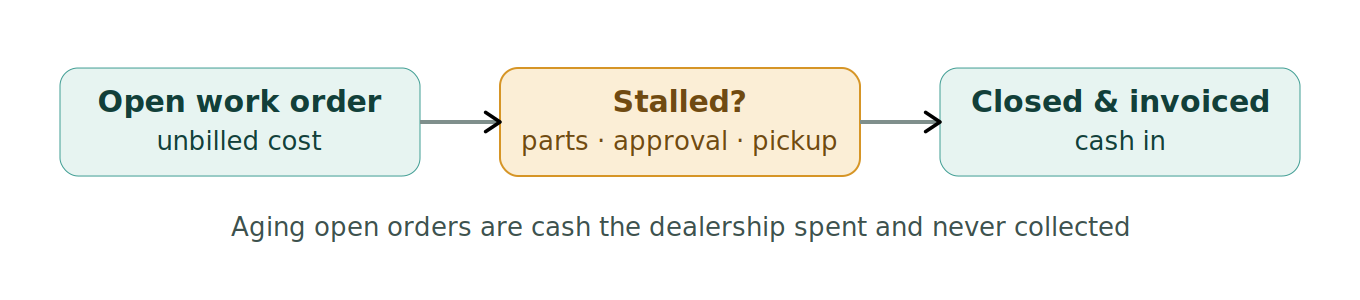
An open work order is unbilled work — labor and parts spent but not yet turned into money — and a pile of aging open orders is cash the dealership has laid out and not collected. Controlling work-in-process is controlling the shop’s cash, and stalled jobs are where it leaks.
Open work orders are uncollected cash
Every open WO represents cost the dealership has already incurred — the tech’s time, the parts — sitting on the books unbilled. Until it’s closed and invoiced, that’s money out with nothing in, and a shop carrying a large, aging pile of open orders has real cash tied up in work it did and never billed. The aged-WO report is the tool: it surfaces the jobs that are done-but-not-closed and the ones stalled, so they get resolved instead of quietly aging.
The stalled job is the problem
Work orders stall for a few reasons, and each is a job to un-stick: waiting on a backordered part, waiting on customer approval for additional work, waiting on the customer to pick up and pay, or simply not closed after the work’s done. A job stalled on approval is also a machine tying up a bay and a customer growing frustrated. Working the stalled WOs — chasing the part, getting the approval, closing the completed job — converts stuck work into billed revenue and frees the bay.
Close promptly, invoice promptly
The discipline is closing jobs as they finish and invoicing without delay — the completed job left open for days is cash sitting idle and a number that makes the shop look busier than it’s actually collecting. Prompt close-out keeps the WIP lean and the cash moving, and it keeps the shop’s numbers honest.
Where it goes wrong
- Letting completed jobs sit open and uninvoiced.
- Carrying a large, aging pile of open work orders unnoticed.
- Not working the stalled jobs waiting on parts, approval, or pickup.
- Ignoring the aged-WO report until cash is tight.
Related
Estimates and approvals · Service financials and labor margin · Scheduling and loading the shop · The DMS.